

Salesforce process automation
Salesforce automation can remove repetitive manual work, improve consistency and give teams more time to focus on higher-value activity.
Used well, it can streamline everything from approvals and case routing to record updates, document generation and processes that span multiple systems. The key is to start with the business process rather than the technology: understanding what should happen, when and why before deciding how to automate it.
Although C24 has extensive development experience, we take a Flow-first approach, using Apex where the logic genuinely requires it. We always start with a mapped process and a clear outcome. Automating an unmapped process simply makes the existing mess happen faster.
What we automate
Approval chains and escalations
Multi-step approvals that route by value, region or risk, and chase themselves when they stall.
Lead routing and assignment
The right lead to the right rep in seconds, with the rules written down rather than held in someone’s head.
Case triage and SLA workflows
Cases classified, prioritised and escalated against the clock, so SLAs are met rather than reported on.
Quote and document generation
Documents built from live record data, so the version sent is the version in the system.
Invoice matching
Our own productised solution for matching invoices inside Salesforce. See how it works.
Cross-system processes
Automation that reaches past Salesforce through integrations, so the process completes end to end.
Migrating Workflow Rules and Process Builder to Flow
Salesforce has retired Workflow Rules and Process Builder in favour of Flow. If your org still runs legacy automation, migration is due, and it is the ideal moment to redesign rather than transplant.
We run these migrations as process reviews with an automation upgrade attached, because converting a bad process one for one just preserves it in a newer tool.
WF Workflow Rule · PB Process Builder · ? Automation nobody remembers writing · Broken or no longer firing
Map before you automate
The first two phases of The Cognition Way do most of the work on an automation project, and neither of them involves building anything.
We sit with the people doing the work. The documented process and the real process are rarely the same. The difference is usually where the cost sits.
- Follow a single record end to end, from the enquiry to the invoice, and count the handoffs
- Find the spreadsheets, the shared inboxes and the workarounds that hold the gaps together
- Note where people wait, where they re-key the same data, and where the exceptions really live
What comes out is a picture of the process as it is run, not as it was written down.
Before deciding what to automate, we agree what the process is supposed to achieve. This step frequently changes what gets built, and occasionally removes the need to build anything.
- Name the outcome the process exists to produce, and how you would know it had happened
- Agree who owns each step, who approves, and what “done” means at each handover
- Decide which exceptions are real and worth building for, and which are habit
Disagreement surfaces here, across a table, rather than in user testing when the build is already paid for.
Only then do we design and build. It is slower to start and considerably faster to finish, because rework on automation is expensive and quiet. Read how the Cognition Way works.
Why optimise your processes
Optimising processes is how businesses stay competitive. Streamlining workflows, eliminating manual tasks and improving efficiency lets you save time and resources, increase productivity, improve customer satisfaction and drive revenue growth.
Capturing, tracking and managing leads through the sales cycle, with scoring automated and interactions tracked in one place.
An enquiry arrives at seven on a Friday evening. Unautomated, it waits until Monday, by which point the buyer has had two other conversations. Automated, it is scored against the criteria you actually sell on, assigned by territory or product, and acknowledged immediately, with the whole exchange written to the record rather than living in someone’s inbox.
Once routing is explicit and the data behind it is trustworthy, an agent can qualify the enquiry in conversation and book the meeting before anyone picks up the phone. That only works because the rules were written down first.
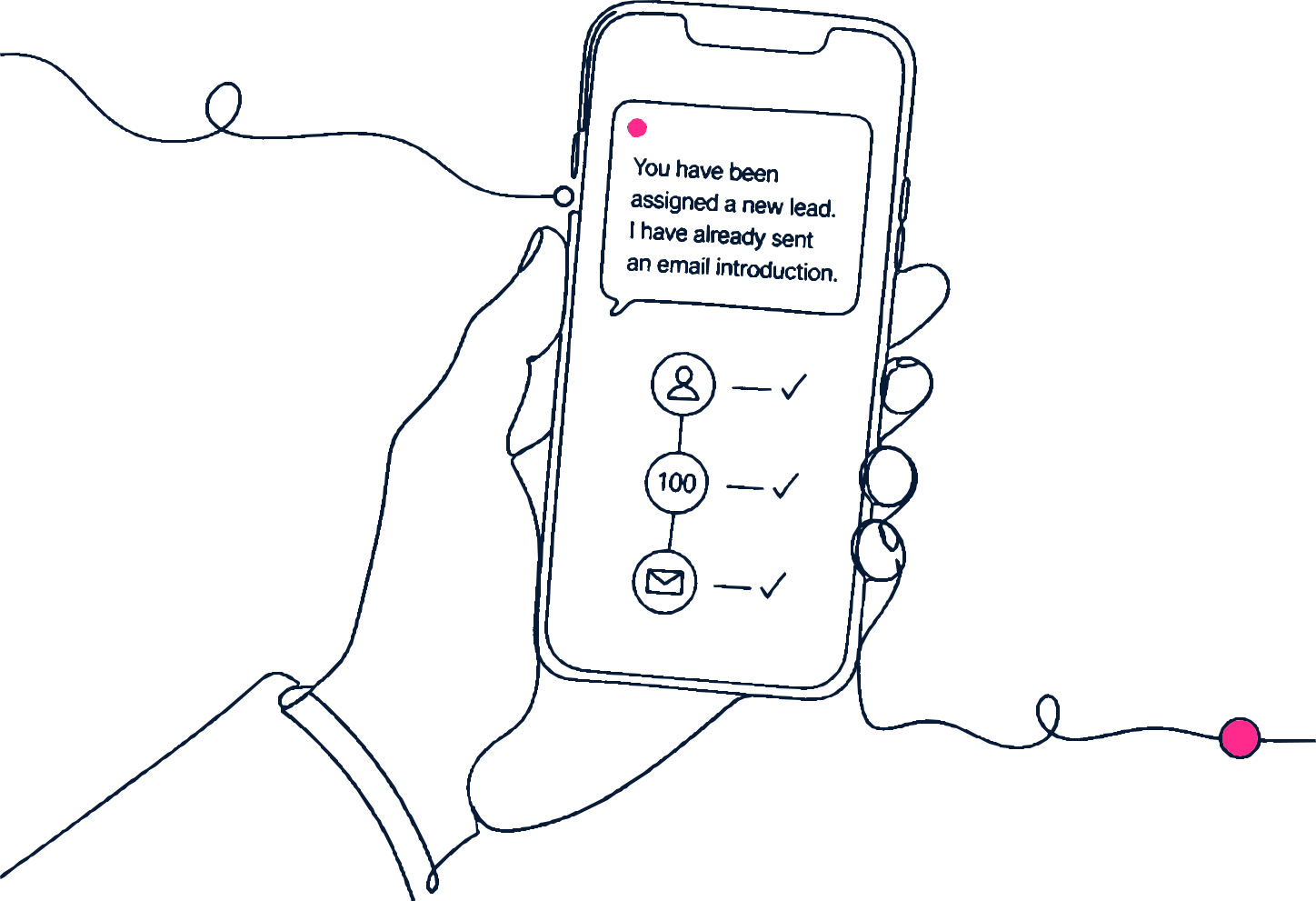
Follow-up emails, task assignment and record updates handled consistently rather than when someone remembers.
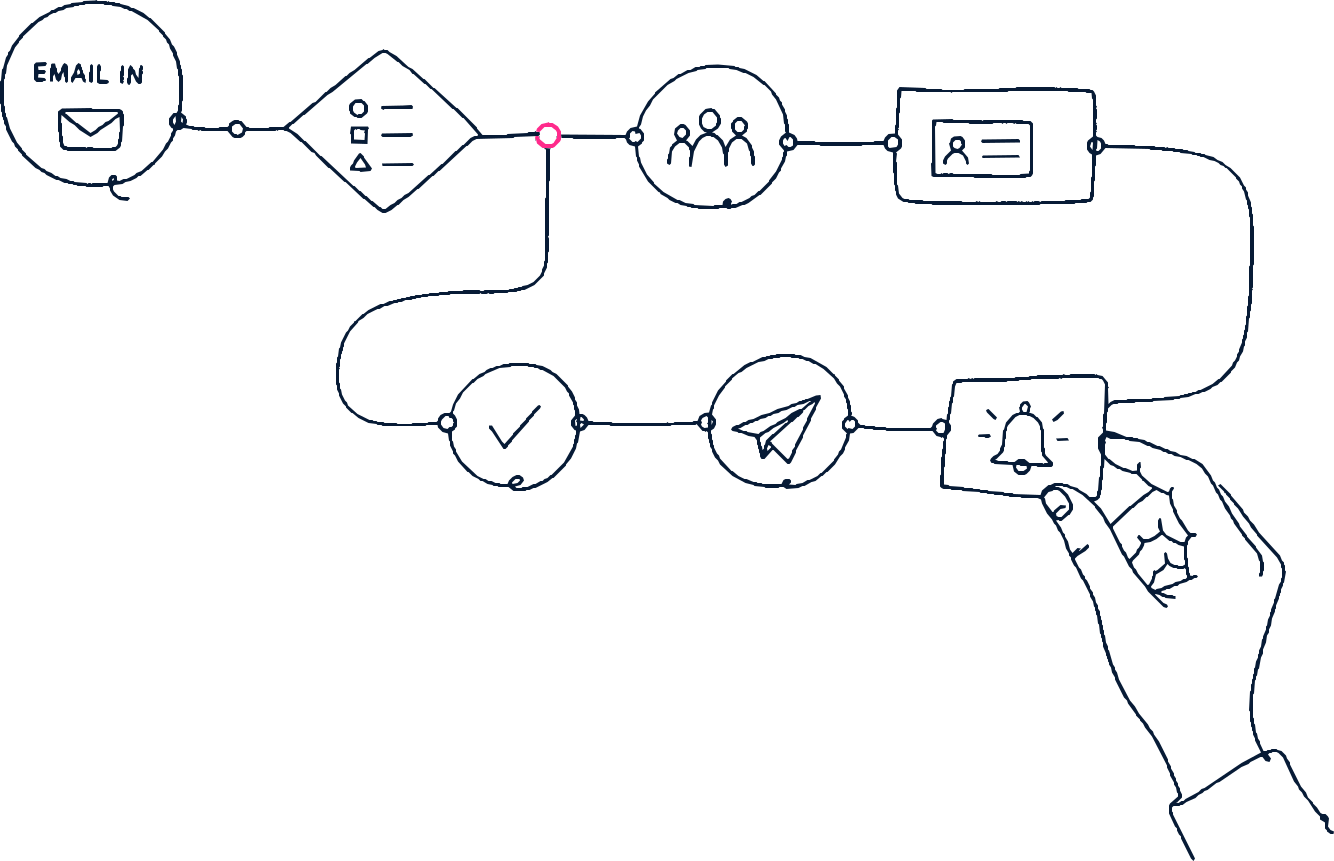
Most processes do not fail in the middle. They fail at the handover, where one team believes the other has it. Automation makes the handover explicit: the task appears, the clock starts, the record updates, and the chase happens whether or not anyone remembered to diarise it.
With the handovers defined, an agent can begin handling the exceptions rather than only the happy path, escalating the ones that genuinely need a person.
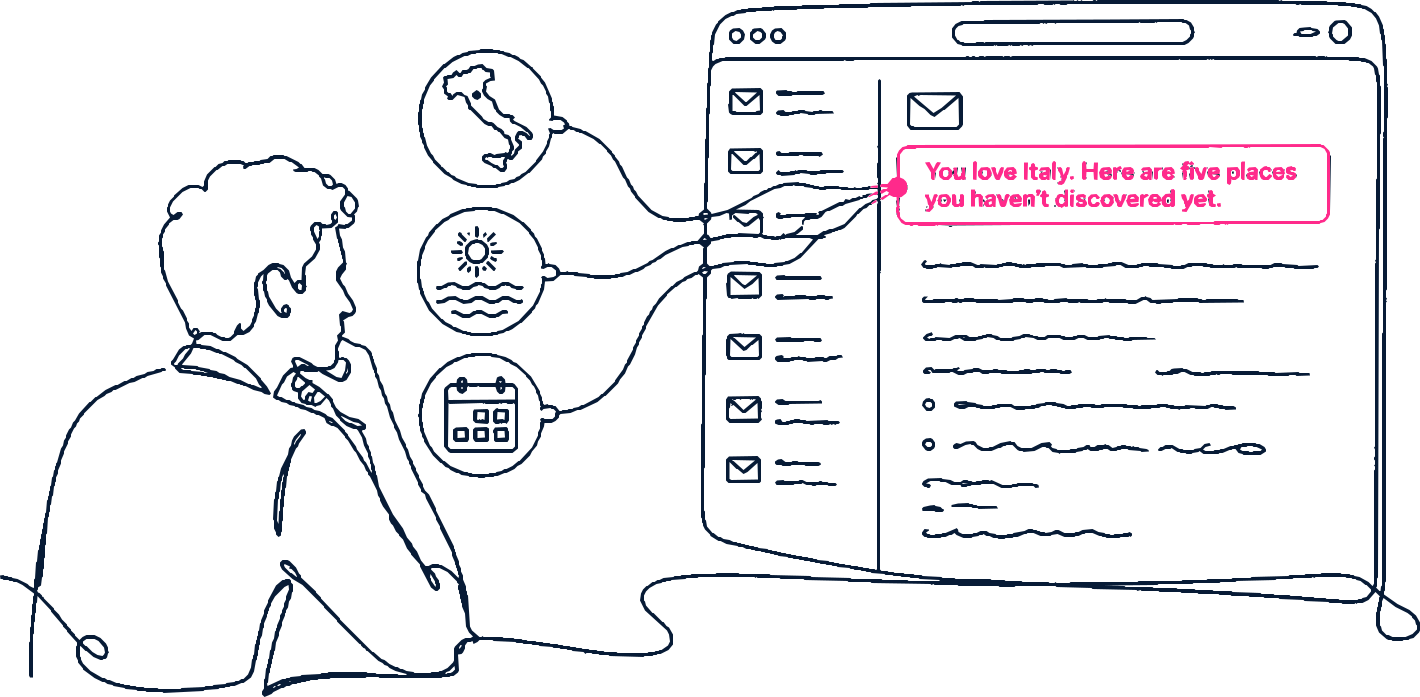
Audience segmented by behaviour and preference, so what goes out to your customers is relevant rather than merely sent.
Segmentation is only as good as the behaviour you have captured. Once activity, product interest and service history sit on the same record, the segment stops being a guess about a job title and becomes a description of what someone has actually done.
Grounded in that record, generative tools can draft the message for each segment rather than each campaign, with a person approving rather than composing.
Reporting on what the process actually does, so the next improvement is chosen rather than guessed.
An automated process reports on itself. You get the time between stages, the volume stuck at each approval and the exceptions that recur, which turns the next round of improvement from an opinion into a shortlist.
From there, an agent can surface the anomaly as it happens rather than waiting for somebody to open a dashboard on the last Friday of the month.

Start with the process, not the tool
Tell us which process is costing you the most. We will map it, tell you whether automating it is the right answer, and rank your candidates by impact against effort before anything gets built.
Salesforce process automation: frequently asked questions
Flow, for almost everything: it is the Salesforce strategic automation platform. Apex still earns its place for complex logic and heavy data operations. We build Flow-first and document why whenever we reach for code.
Yes. Salesforce has retired Workflow Rules and Process Builder for new automation and recommends migrating existing ones. We treat migration as a chance to simplify rather than just convert.
Usually approvals and routing: high frequency, clear rules, measurable hours saved. Our process review ranks your candidates by impact and effort before we build anything.
Yes, through integration. A process that stops at the edge of Salesforce is only half automated, which is why our automation and integration work is designed together.
That is the normal starting point. Mapping it is the first part of the engagement, and it frequently changes what we end up building.
Whoever you want to. Flows are built and documented so an internal admin can own them, and where there is no internal owner a C24 managed service maintains them as part of the plan.
It depends almost entirely on how much legacy automation is still firing, which is why we inventory first. A handful of rules on one object is a short piece of work. An org carrying years of Workflow Rules, Process Builder processes and overlapping Flows takes longer, and usually turns up automation nobody remembers writing. We scope the rebuild once the inventory is done rather than quoting blind.
It should not. Nothing is switched over in production: migrations are built and tested in a sandbox, run alongside the existing automation until the outputs match, and only then cut over. The inventory stage also tells us which legacy rules are still firing at all, so we are not carefully rebuilding automation that stopped mattering years ago.
Get in Touch
Tell us which process is costing you the most and we will tell you whether automating it is the right answer.